HSV_01
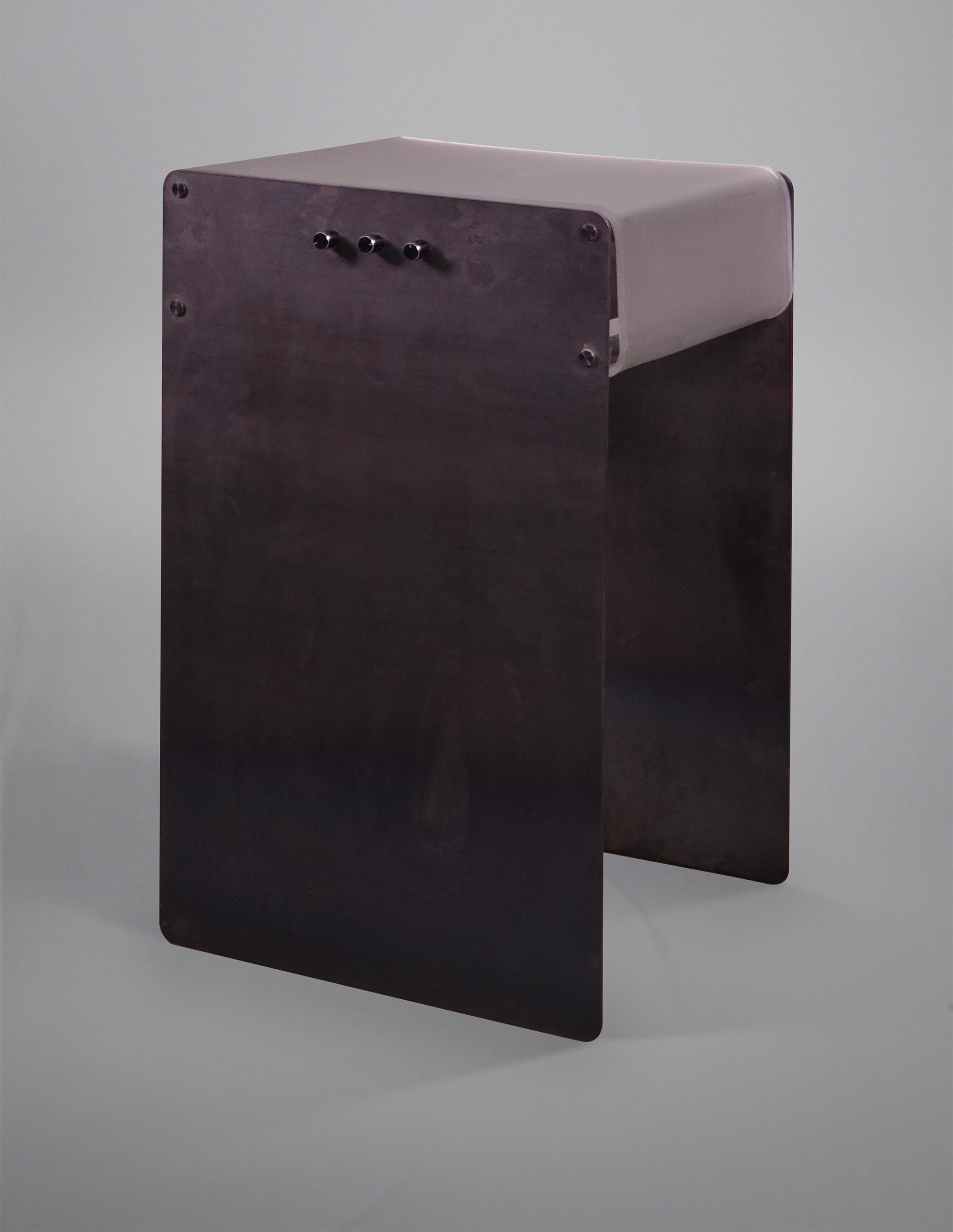
Bedside Table Light
Assignment:
Create a furniture piece using digital fabrication techniques
Techniques:
Plasma Cut, Tap & Die, Shrinkwrap, Lasercut, Acrylic Bending, Soldering, Code
Materials:
Mild Steel Sheets, Steel Rod, Rubber Shrinkwrap, Acrylic, Arduino, RGB LED Strip
Style:
Industrial Brutalism
Timeline:
2 weeks
Date:
April 2024
Motivation & Intention:
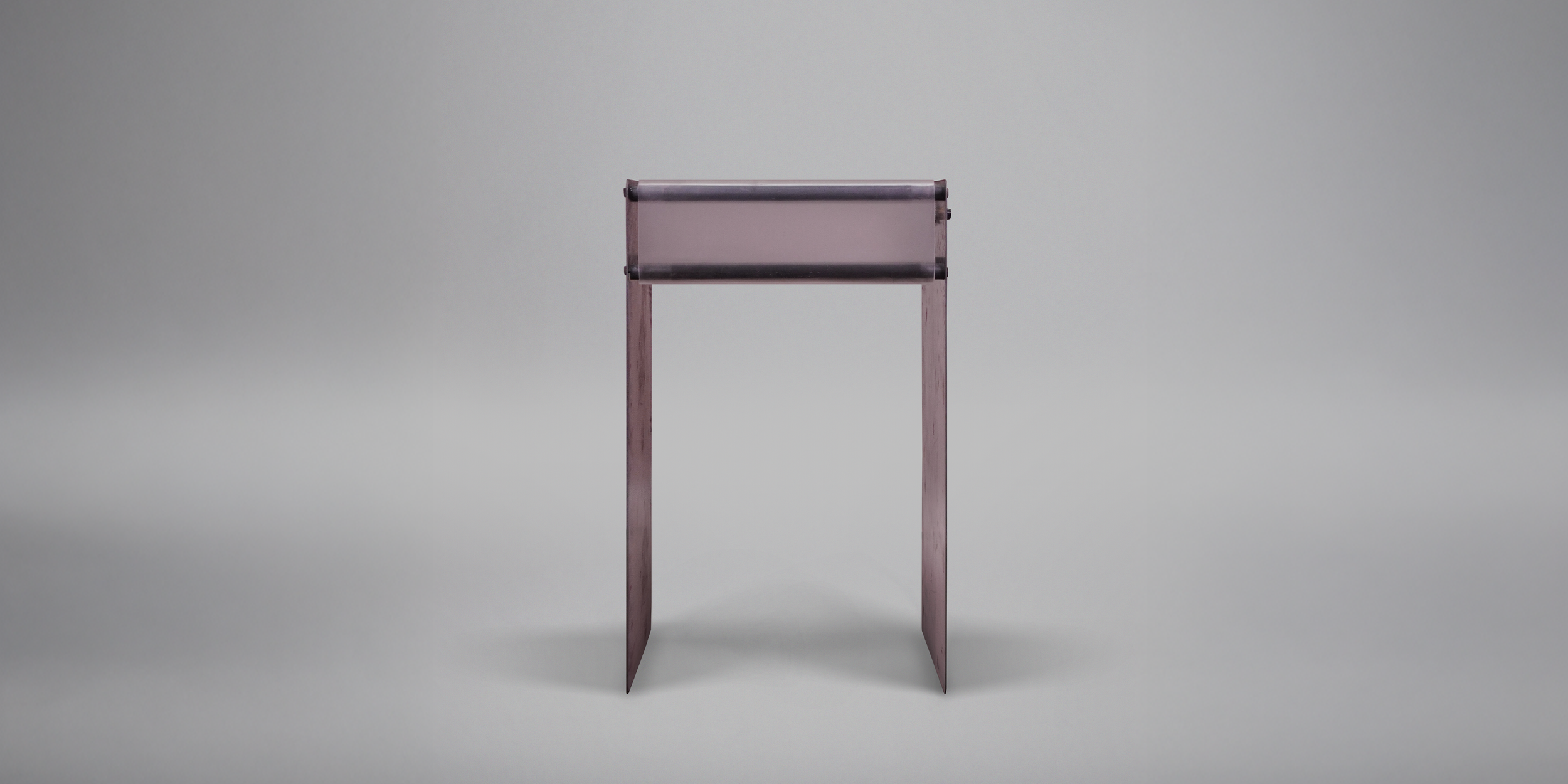
This project was incredibly open-ended. We had to make a piece of furniture utilizing digital design and fabrication techniques. I took this opportunity to depart from the natural materials I was comfortable with, opting to explore metal, acrylic, and electronics for the first time.
I like to read in bed at night, but I didn’t have a good way to keep my room dim while still illuminating the pages of my book. I figured if I had a bedside light table, it would tackle the task of a bedside table, a nightlight, and a reading light all in one. I dislike overhead lighting and enjoy changing the color of lights to fit a mood or song. Stylistically, I wanted a mature, industrial, and upscale look, inspired by the likes of Dieter Rams, Zaha Hadid, and Le Corbusier.
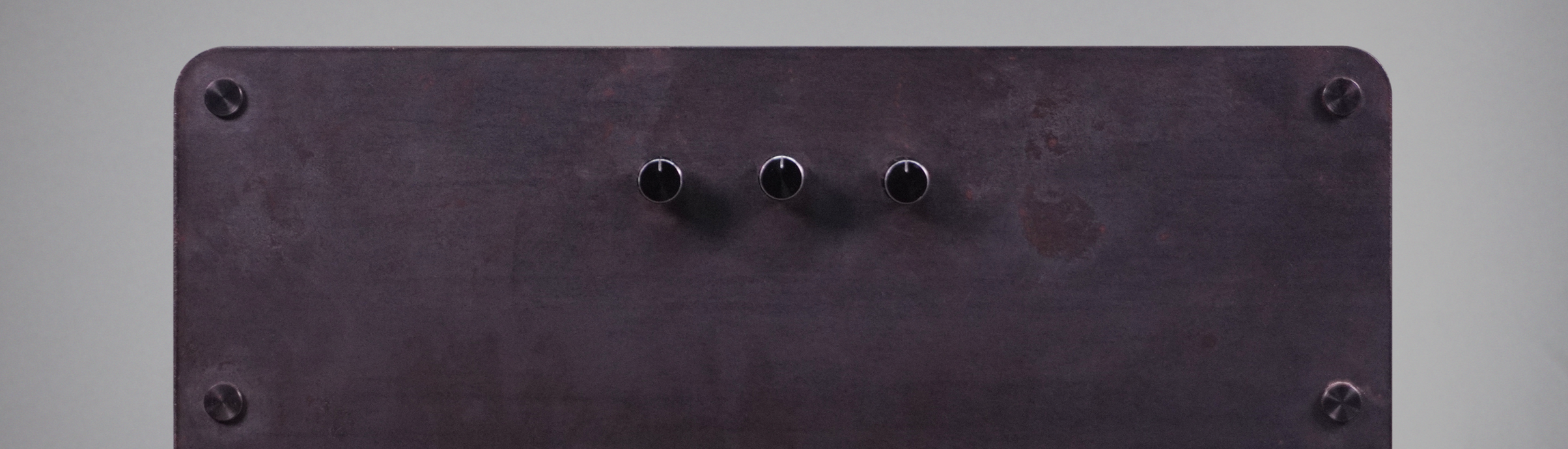
Hue
Saturation
Value
Code
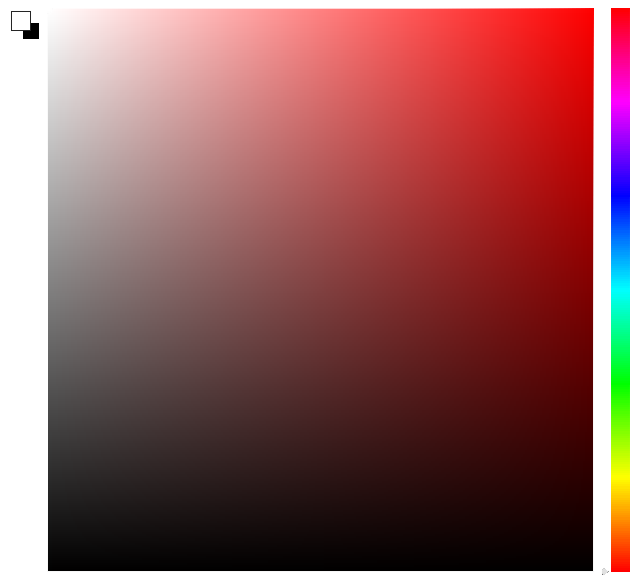
In this project, I utilized 3 potentiometers (knobs) to control the colors of the RGB lights inside the frosted acrylic volume. I chose Hue Saturation Value (HSV) controls as a nod to the color picker inside of Photoshop, which is the program that kick-started my foray into design.
I powered the Arduino with a portable battery bank and used the 5-volt out on the Arduino to power the RGB LEDs.
Controlling RGB lights with HSV proved to be more complicated than I initially thought. The solutions I found on the internet were color space conversions, which was overcomplicating the problem.
RGB lights are controlled by Red, Green, and Blue values, each ranging from 0-255, with bigger numbers being brighter. To have a Hue knob that follows ROYGBIV, you only have to use number remapping. If you divide the 0-1023 from the 10k potentiometer into 6 equally spaced sections, then fade in and out Red, Green, and Blue in order, you can cover the ROYGBIV color space.
Hue Knob:
1 - Red 255, Green 0, Blue 0 ………… Red (fade in green)
2 - Red 255, Green 255, Blue 0 ……... Yellow (fade out red)
3 - Red 0, Green 255, Blue 0 ………... Green (fade in blue)
4 - Red 0, Green 255, Blue 255 ….….. Cyan (fade out green)
5 - Red 0, Green 0, Blue 255 ………… Blue (fade in red)
6 - Red 255, Green 00, Blue 255 ……. Violet (fade out blue)
Saturation Knob:
For RGB LEDs, full saturation is full color, and no saturation is no color. To achieve this effect, I had the potentiometer value map the difference between the full saturation RGB 0-255 values, and 255, making the light white at “no saturation” and unchanged at full saturation.
Value Knob:
Value is just brightness here. Similar to the saturation number remapping, a pot value of 0 will remap all the RGB 255 values to 0, while 1023 will leave the RGB values alone.